
Dictate a conversation and get a clear note, action items and a reminder. You review everything before it goes anywhere.
Capture what was said, turn it into a record, and let the follow-up write itself — without turning your people into a scoreboard.
Talk through a one-to-one on your phone and VooVr turns the audio into a transcript, then drafts the note, the action items and the agreed next step. You edit before anything is saved.
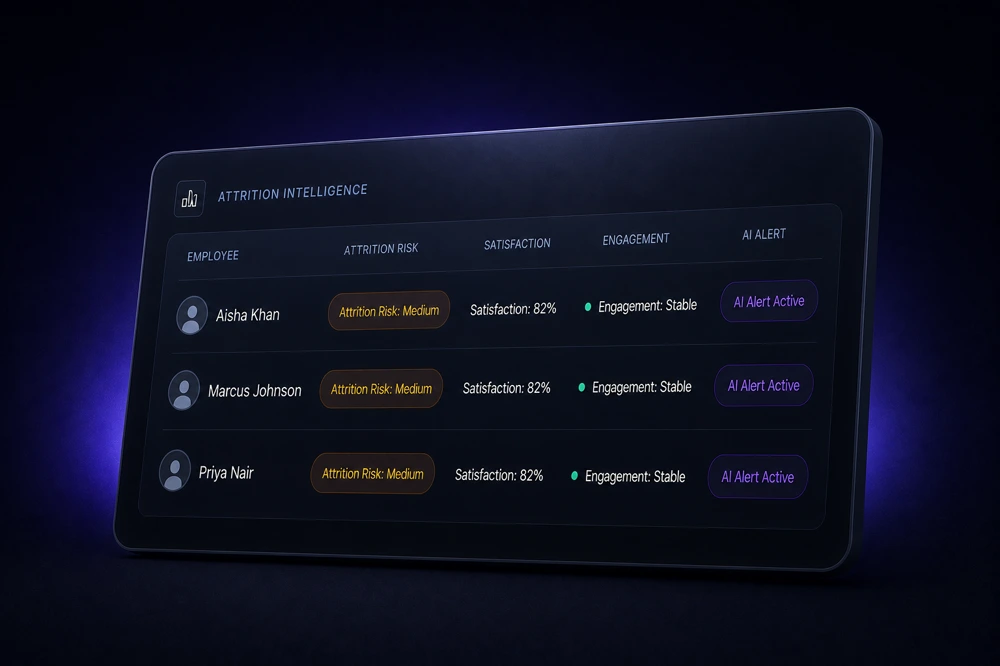
VooVr keeps what was actually said and connects it to the previous conversation, so a manager picking up a thread after three weeks is not starting cold. It summarises and organises. It never ranks people or decides anything about them — a person reads the output and chooses what happens next.
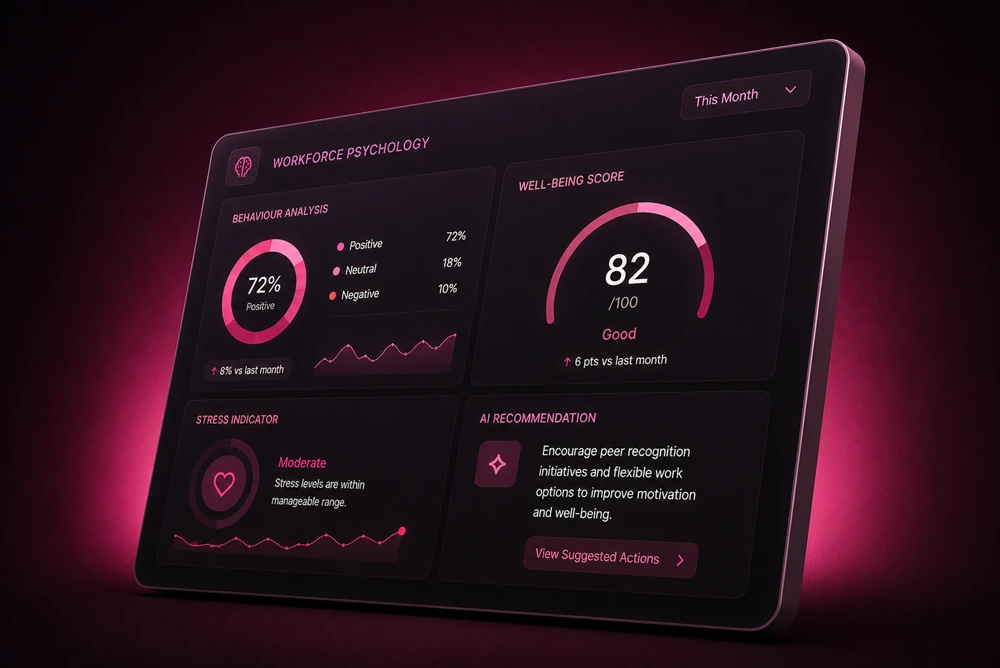
VooVr spots the promises and follow-ups said in a conversation and suggests them. You confirm what is right, and reminders reach you by email and WhatsApp before the next meeting. Suggestions, never verdicts.
Sample demo: a conversation is analysed and two follow-ups are suggested. A person confirms them, reminders go to the meeting owner in-app, by email and WhatsApp, and a person marks an item completed.
The flow in order: a transcript becomes suggested items, confirmed by you, a reminder, then completed by you.
Reminders go in-app first, then by email, then by WhatsApp.
VooVr turns voice notes and conversations into draft notes, action items and follow-ups. You read, edit and decide what happens next.
Every employee has a centralized profile with personal details, department, role, documents and conversation history.
Notes and follow-ups from each conversation are kept on the person's profile, so the next conversation starts with context.
VooVr links a new note to previous conversations and carries open questions forward, so the context is always there.
A draft summary, action items and follow-up are created from the transcript. Nothing is sent out without your review.
Reminders and draft messages are prepared for you to review. You choose what gets sent and when.
Every suggestion stays a draft. The person reading it decides what, if anything, to do next.
VooVr is designed so that only the minimum data needed for a specific task is shared with a provider, and no automated decisions are made about people.

Names and emails are encrypted at rest, each with its own key. Access is role-based, and sensitive actions are logged. AES-256-GCM, keys wrapped with Google Cloud KMS. The exact protections are in our Privacy Policy.

For conversation analysis, only the transcript text of the conversation is sent — not names, email addresses, phone numbers, employee IDs, department labels, IP addresses or document contents. See exactly what each provider receives on our Sub-processors page.
Admins, managers and leaders each see only what they need, nothing more.

Sensitive admin actions are logged with who did them and when. A clear trail is handy for reviews, and reassuring for everyone.

VooVr drafts notes, action items and follow-ups, and it can show explainable wellness signals, so you notice who may need support. Signals are suggestions, never verdicts. A person reviews them and decides what happens next. Nothing is decided about an employee automatically.
Names and emails are encrypted, access is role-based, and sensitive actions are logged. Employee data is the most sensitive data your company holds, so we build with data minimisation and describe the limits honestly.
We do not hold an independent security certification such as SOC 2, and we do not claim one.
Hover or tap a step to inspect it — full records live in your Employee Directory dashboard
This is a sample record — see every real employee in your Employee Directory on the dashboard.
Encryption runs automatically the moment a record is saved to the Employee Directory.
Manage roles for every teammate from Settings → Access on the dashboard.
Review the full history for any employee from the Employee Directory on the dashboard.
Dictate the conversation. Get a note, the action items and a reminder — reviewed by you before it goes anywhere.